
Provider guides
Mollie: configuration and operations
Offer Mollie hosted checkout with refund, status synchronization and recurring-payment support.
On this page
Provider workflow
Offer Mollie hosted checkout with refund, status synchronization and recurring-payment support. The extension owns the mapping between Agovena customers and Mollie customer or mandate references. Available payment methods are presented in Mollie’s hosted checkout.
Production status
The extension is production-ready for the current Agovena integration scope. It has been verified against the Mollie test environment for paid, failed, cancelled and expired payments, status synchronization, full and partial refunds, recurring mandate handling, idempotency, safe provider failures and provider-discovered payment methods. Configure a public HTTPS APP_URL; Agovena then sends the production webhook URL /webhooks/payments/mollie to Mollie. Local development hosts are intentionally omitted because Mollie cannot reach them.
Agovena Core ^0.0.1. The manifest declares no additional package dependency. Provider accounts and external service access are separate from package installation.
Set up the package
Enter api_key. The Admin settings page discovers the payment methods available to the Mollie account. Select the methods that should be shown in Agovena checkout; new configurations select all discovered methods by default and at least one method must remain enabled. Mollie supplies the official method SVG URLs. Start with a test-mode key. There is no separate sandbox switch in this manifest; the API key selects the mode. Core includes mollie/mollie-api-php. Run the extension migrations before relying on saved mandate associations.
Create a Mollie API key
- Open the Mollie Dashboard and go to Developers > API keys.
- Click Create API key.
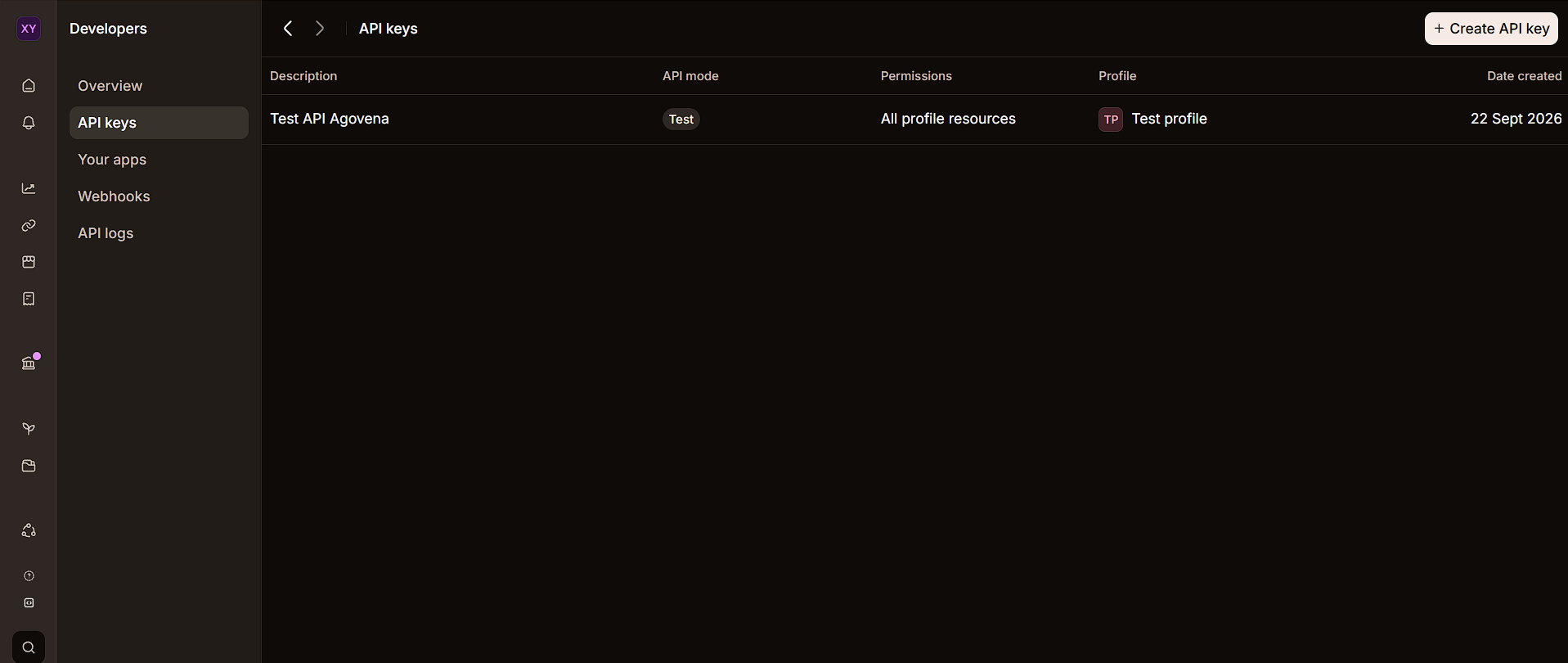
- Enter a recognizable description, such as
Agovena testorAgovena production. - Choose Standard API key. Do not choose Advanced access token for Agovena; that option is intended for other integrations with granular permissions.
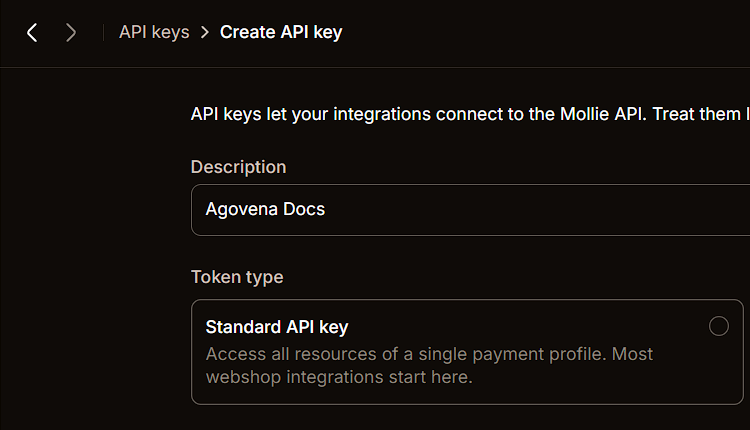
- Choose Test while testing. Select Live only when the production environment is ready. Never mix a test key with live payments or the other way around.
- Choose the payment profile used by this store and create the key.
- Copy the full key directly into the protected Agovena Extension settings. Never publish the key or place it in screenshots, commits, issue trackers or chat.
Configure Mollie in Admin
- Open Admin > Extensions and enable Mollie.
- Enter the
test_...key while testing or thelive_...key for production. - Save the key in the protected Extension settings. Agovena does not redisplay a stored key.
- Check the connection status and select the payment methods that should appear at checkout.
- Use Refresh payment methods after changing the enabled methods in your Mollie profile.
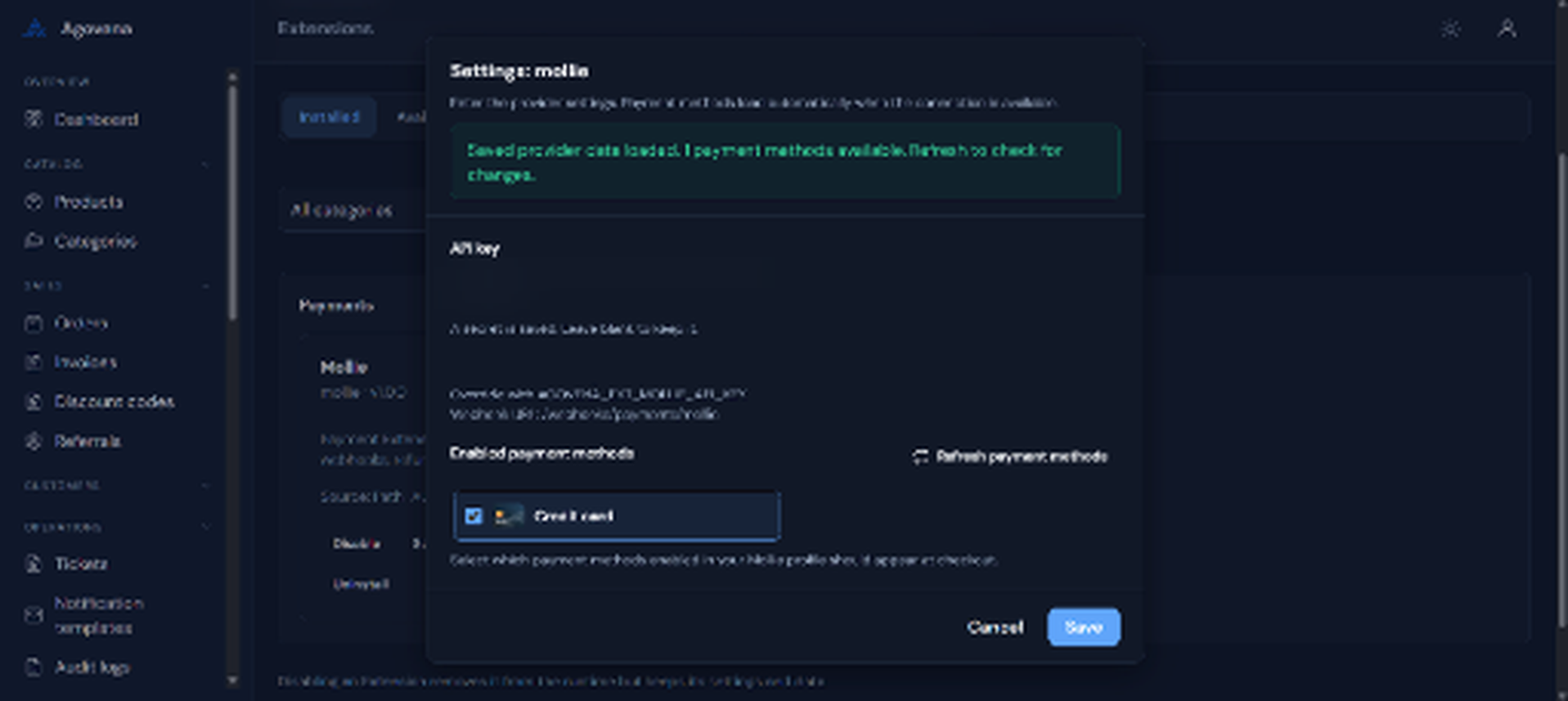
The screenshot shows a masked key and the new credit-card icon without a white background. Agovena uses the Webhook URL for provider callbacks. This Mollie integration does not use a separate webhook signing secret.
For recurring provisioning services, customers can choose manual renewal or automatic renewal at checkout. Manual renewals create an invoice before the billing date. Automatic renewals use Mollie’s reusable mandate when the initial payment establishes one.
Provider-specific boundaries
The adapter supplies https://shop.example.com/webhooks/payments/mollie as webhookUrl using your configured application URL. Unlike the Stripe integration, this contract has no webhook signing-secret field. Verification depends on retrieving the referenced payment with the configured API key, consistent with Mollie’s payment webhook flow. Do not replace that lookup with a client-submitted status.
Test that the endpoint is publicly reachable, that a valid test payment changes the matching Agovena attempt, and that arbitrary IDs are rejected or left unchanged. Verify cancellation and a partial refund separately because authorization, payment and refunded totals map differently. For recurring products, check that a first payment establishes a usable mandate and that the saved mandate belongs to the expected customer. Keep test and live customer mappings separate when moving between environments. 2
Configuration contract
| Field | Type | Required | Secret | Default |
|---|---|---|---|---|
api_key |
string |
Yes | Yes | Empty |
enabled_methods |
payment_methods |
No | No | All provider-discovered methods |
These are the declared manifest fields. A field marked optional may still be required by an API operation, as described above. Store secret values only in protected settings, never in product descriptions, URLs or shared examples. 1
Operation and failure handling
Mollie notifications carry a payment ID, not trusted payment status. The adapter fetches the payment through the authenticated API before normalizing it. An unknown or unreachable payment does not become paid. Recurring charges fail if authorization is missing. Refunds and payment creation preserve unknown transport outcomes; reconcile them rather than assuming failure means nothing happened. Pending cancellation is allowed only when the remote payment is cancellable.